

Related Posts
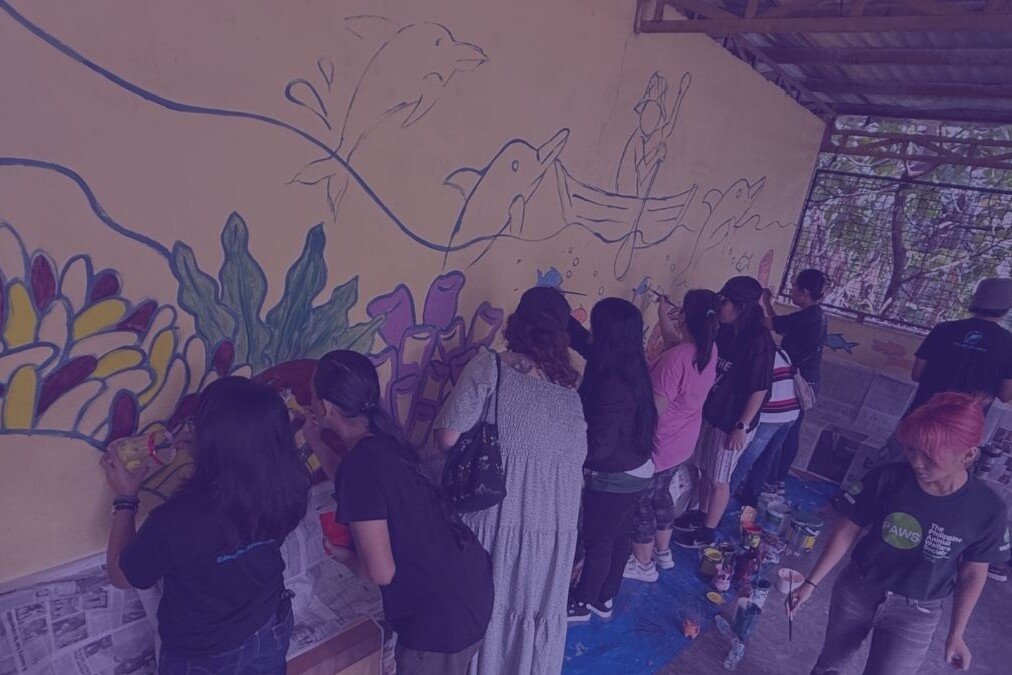
Advocates paint dolphin freedom mural as Taiji hunt season begins
Solidarity mural calls for an end to dolphin captivity.


A call to action for Teachers’ Month
All sectors are urged to invest in teachers' well-being and professional…

Converge wins Ookla ‘Best Internet’ for 1H 2026
Converge swept the top Ookla® speed and performance awards.
Hi Kevin,
Yes, my uploads folder is chmod to 777. It really appears to be a flash plugin problem.
Hi Kevin,
Yes, my uploads folder is chmod to 777. It really appears to be a flash plugin problem.
Hi,
Please make sure that you have a uploads folder inside your wp-content directory.
It should be writable (777)
Hi,
Please make sure that you have a uploads folder inside your wp-content directory.
It should be writable (777)
Salamat for the visit. 🙂
I’m actually on a 64-bit Ubuntu. The WordPress flash uploader works fine on other OS, so I think it’s an Ubuntu problem.
Which web uploader are you referring to?
Salamat for the visit. 🙂
I’m actually on a 64-bit Ubuntu. The WordPress flash uploader works fine on other OS, so I think it’s an Ubuntu problem.
Which web uploader are you referring to?
Your problem is different from mine. I’m on 32-bit Ubuntu as well.
I have a feeling it’s an issue with the Flash uploader itself but I’m not sure. Have you tried the web uploader instead?
Your problem is different from mine. I’m on 32-bit Ubuntu as well.
I have a feeling it’s an issue with the Flash uploader itself but I’m not sure. Have you tried the web uploader instead?